|
🪑 Claude can now sit in on your video calls
|
|
Like one of those note-taking bots?
|
|
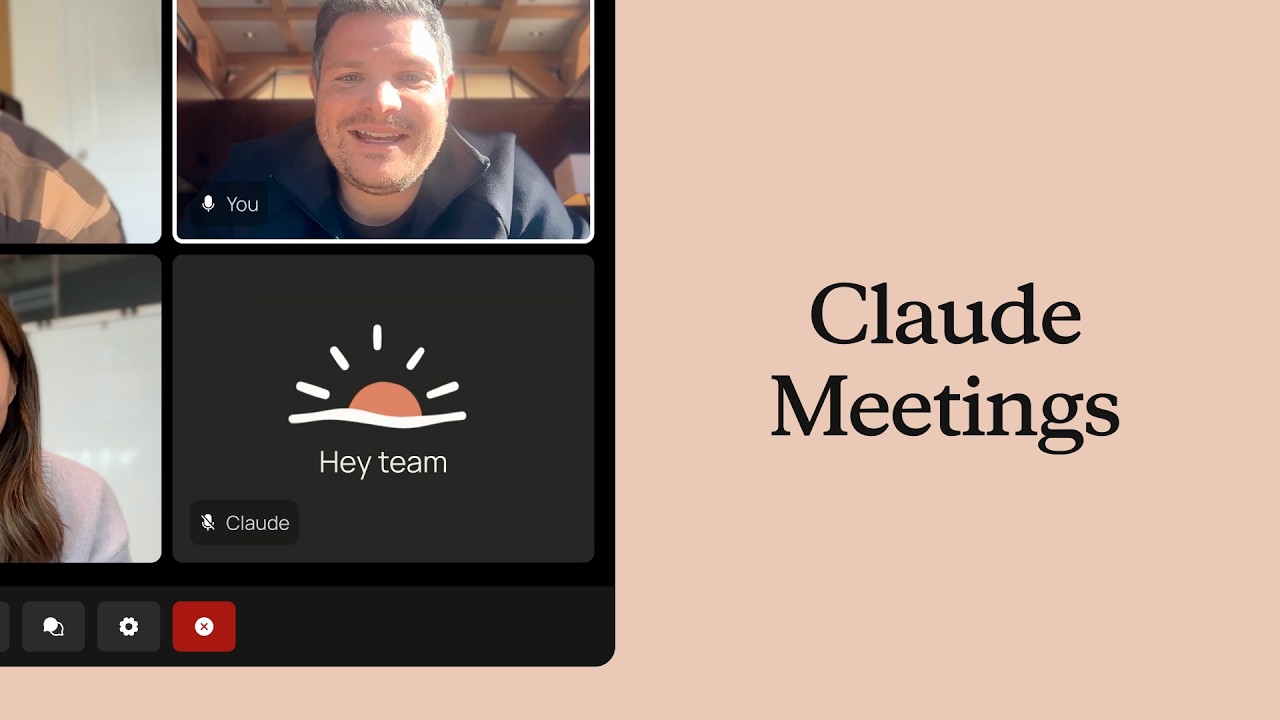
Similar, but a bit more sci-fi than that. Claude Meetings joins Google Meet as a visible attendee and works while you talk, drafting the plan, mapping a timeline on a whiteboard and answering questions in the chat..
|
Introducing Claude Meetings
youtu.be
|
|
How do you feel about having an AI join your meetings?
|
Wait, does it actually talk though?
|
|
You can ask it things by voice or chat, but it answers in text by default. Afterward, it builds a page with notes, action items and a full transcript your team can edit.
|
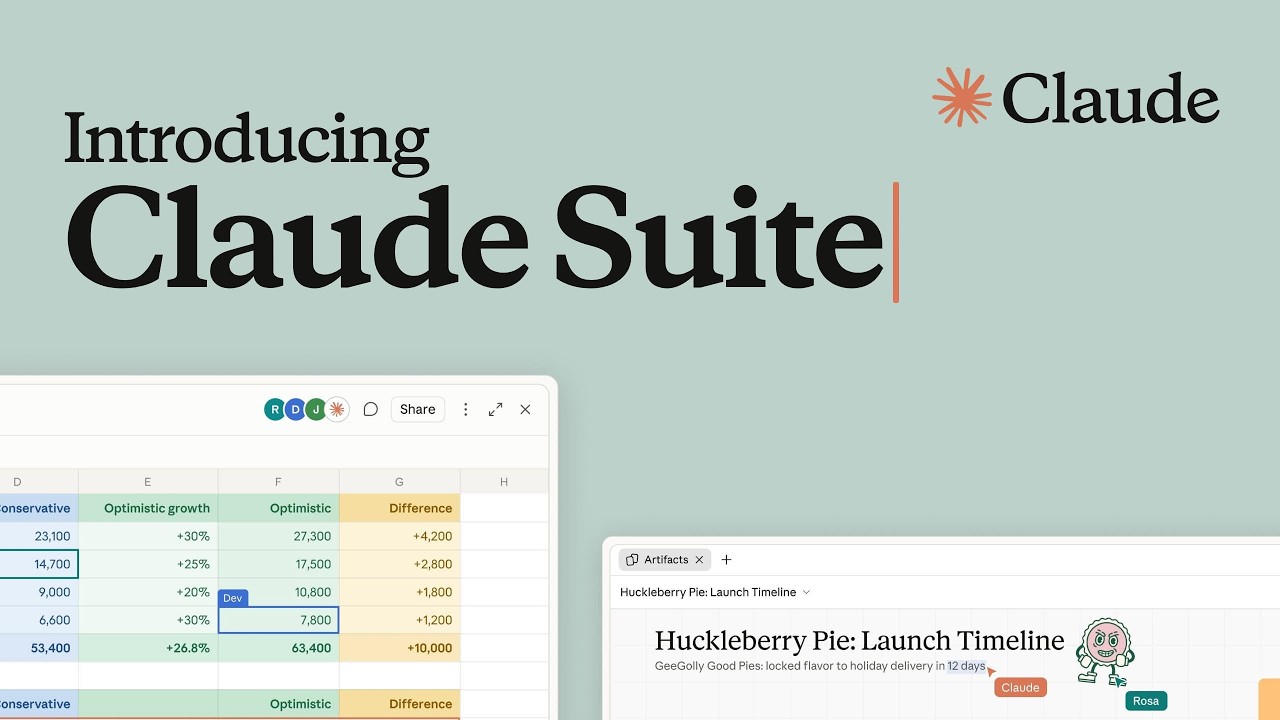
Introducing Claude Suite
youtu.be
|
|
It’s also part of a new batch of Claude work tools, including Sheets for spreadsheets, Whiteboards for planning and Data for dashboards, as Anthropic takes aim at Microsoft and Google’s office apps.
|
What about privacy though? 👀
|
|
Claude announces itself in the chat and leaves on its own if someone from outside your company joins. It keeps the transcript and a summary, but not the audio.
|
Google’s AI just proved Signal’s encryption works 🔐
|
Google DeepMind’s new AlphaProof Code wrote millions of lines of math proofs showing Signal’s one-on-one chat code keeps messages private, even if a device gets hacked.

|
DeepMind’s AI Just Did The Impossible
youtu.be
|
|
|
How long would that normally take? ⌚
|
|
Years, for a team of human experts. The AI did it in about four weeks, and humans only had to review about 1% of the work by hand.
|
And it didn't find any bugs? 👀
|
|
|
so are my Signal chats bulletproof now?
|
|
Not quite. It only covers one-on-one chats on one type of device, and it assumes the encryption math underneath is sound. Group chats are next on the list.
|
🔦 weekly challenge: learn what your AI knows about you
|
Challenge: Claude now keeps transcripts of your meetings. This week, see what your AI is already holding on you, then lock down your settings.
📦 Step 1: Download your data. In ChatGPT, go to Settings, Data Controls, Export data. In Claude, it’s Settings, Privacy, Export data. For Gemini, use Google Takeout and pick Gemini Apps.
🧠 Step 2: Ask what it remembers. Ask ChatGPT, Gemini or Claude: “List everything you remember about me.” Then delete anything you don’t want kept in its memory settings.
🚫 Step 3: Stop the training. Turn off “Improve the model for everyone” in ChatGPT, “Help improve our AI models” in Claude and Keep Activity in Gemini.
🧹 Step 4: Clean house. Delete old chats you don’t need. Deleting a chat doesn’t always erase what your AI learned from it, so clear its memories too.
How do you feel about an AI sitting in on your work calls? And would AI-checked code make you trust an app more? We'd love to hear your thoughts!


